 Parleo
 → Translate from screen
English translator right on your phone screen
Highlight an unfamiliar word in any app, and Parleo will translate it and create a flashcard. The word will return for review the next day, then again, until you remember it.

The journey of a word
You highlight a word
In an article, chat, or feed — in any app on your phone.
You choose “Parleo”
Parleo
The option appears in the same menu as “Copy”.
You see a flashcard
Translation, a live example, a situation in Russian, a photo, and audio.
The word returns
Review comes at intervals until the word is memorized.
Button over apps
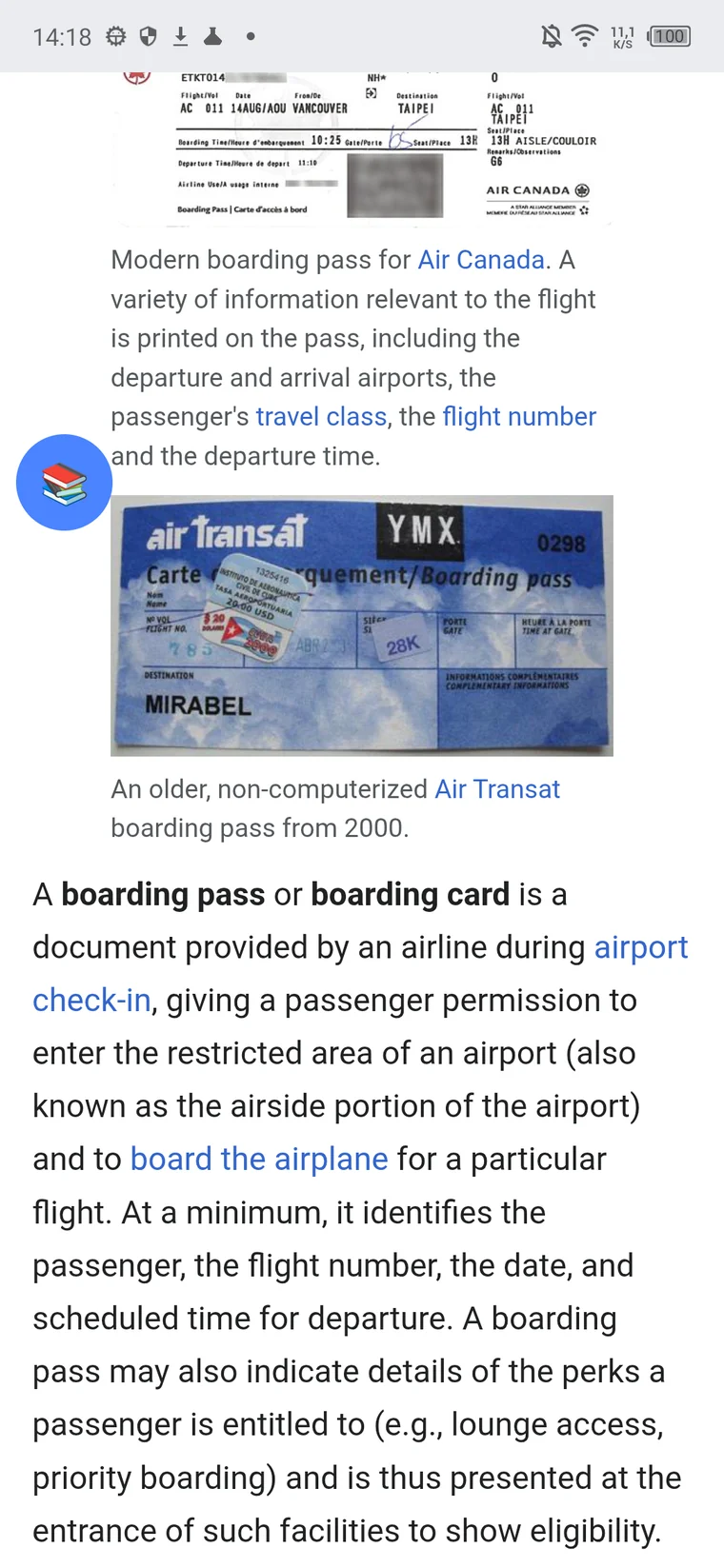
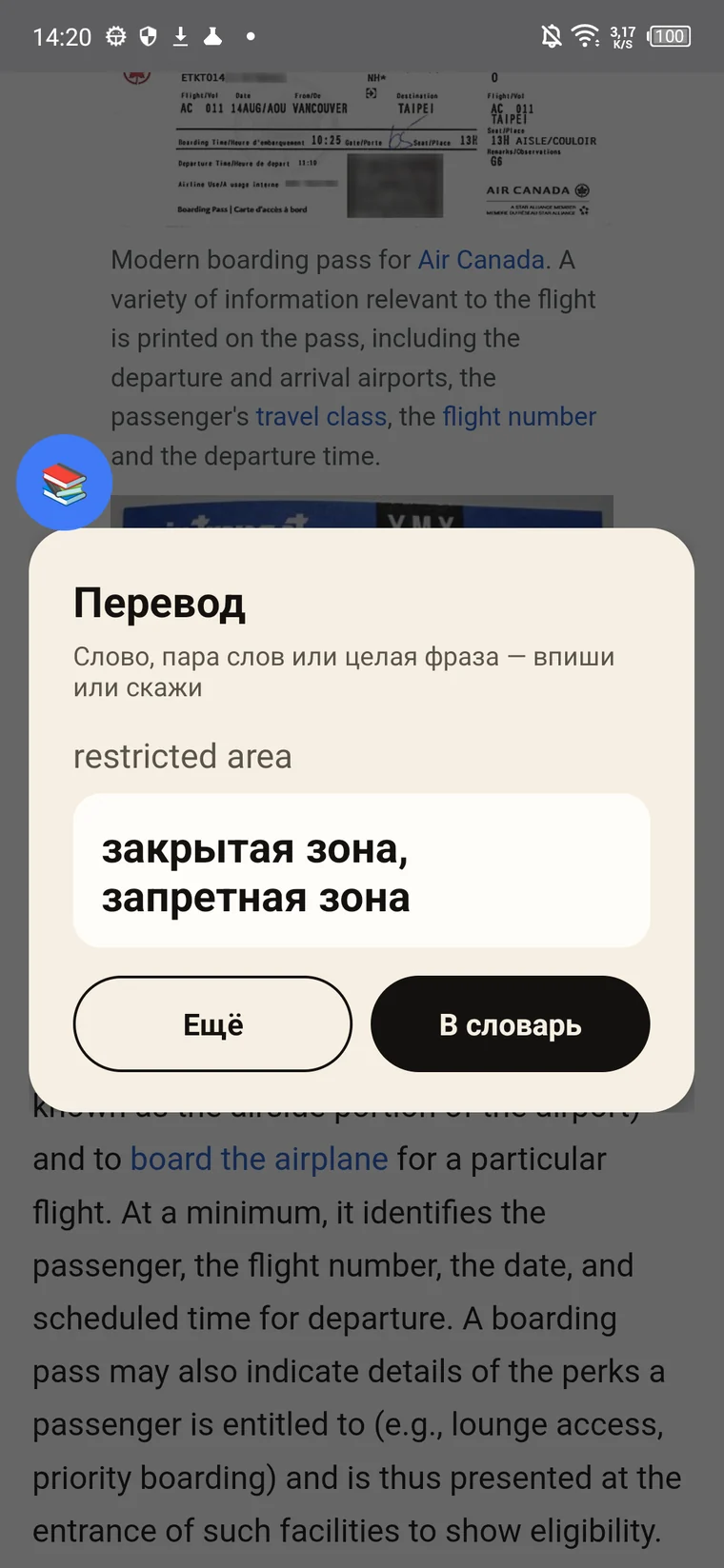
Text cannot be highlighted everywhere: in feeds, videos, and games, the system doesn't allow it. For such places, the Android app has two other entry points.
Floating button
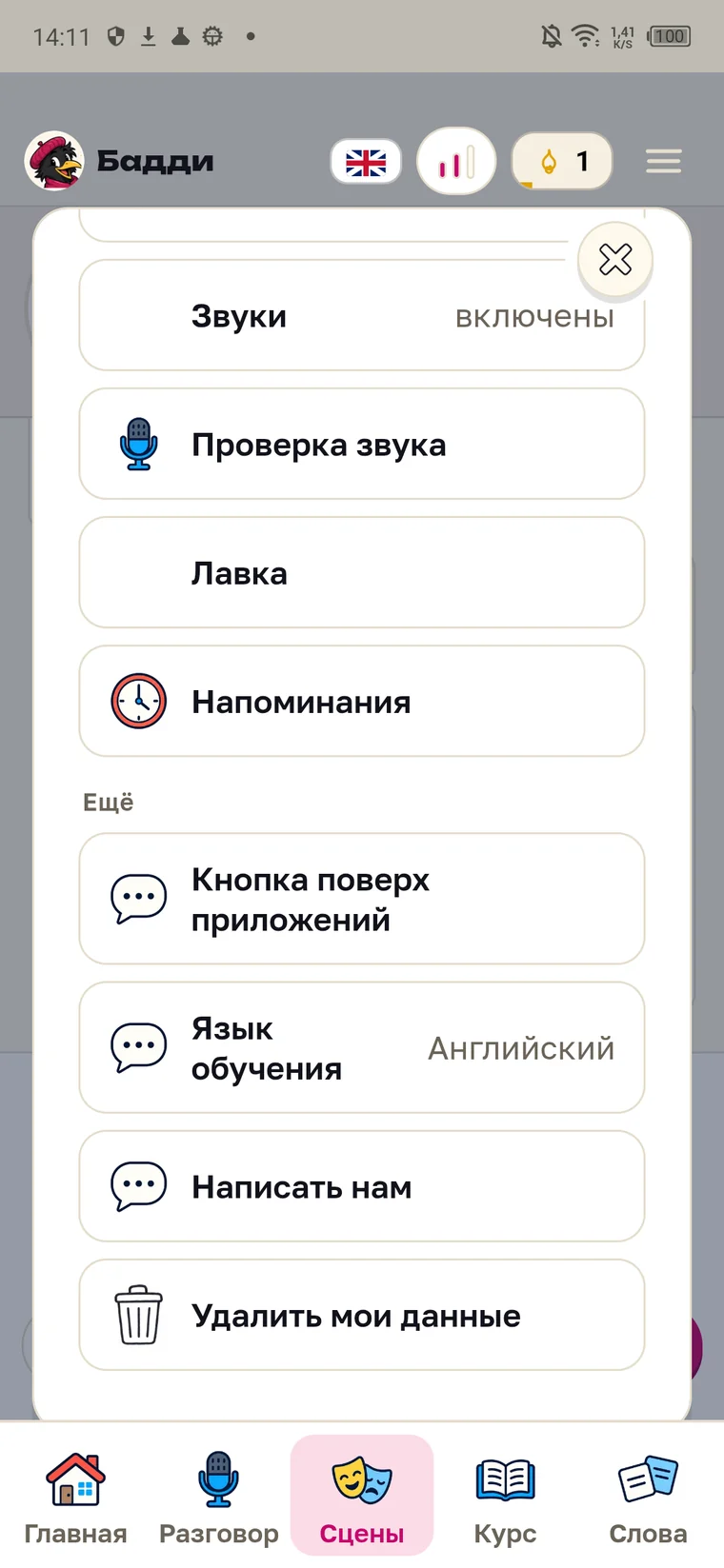
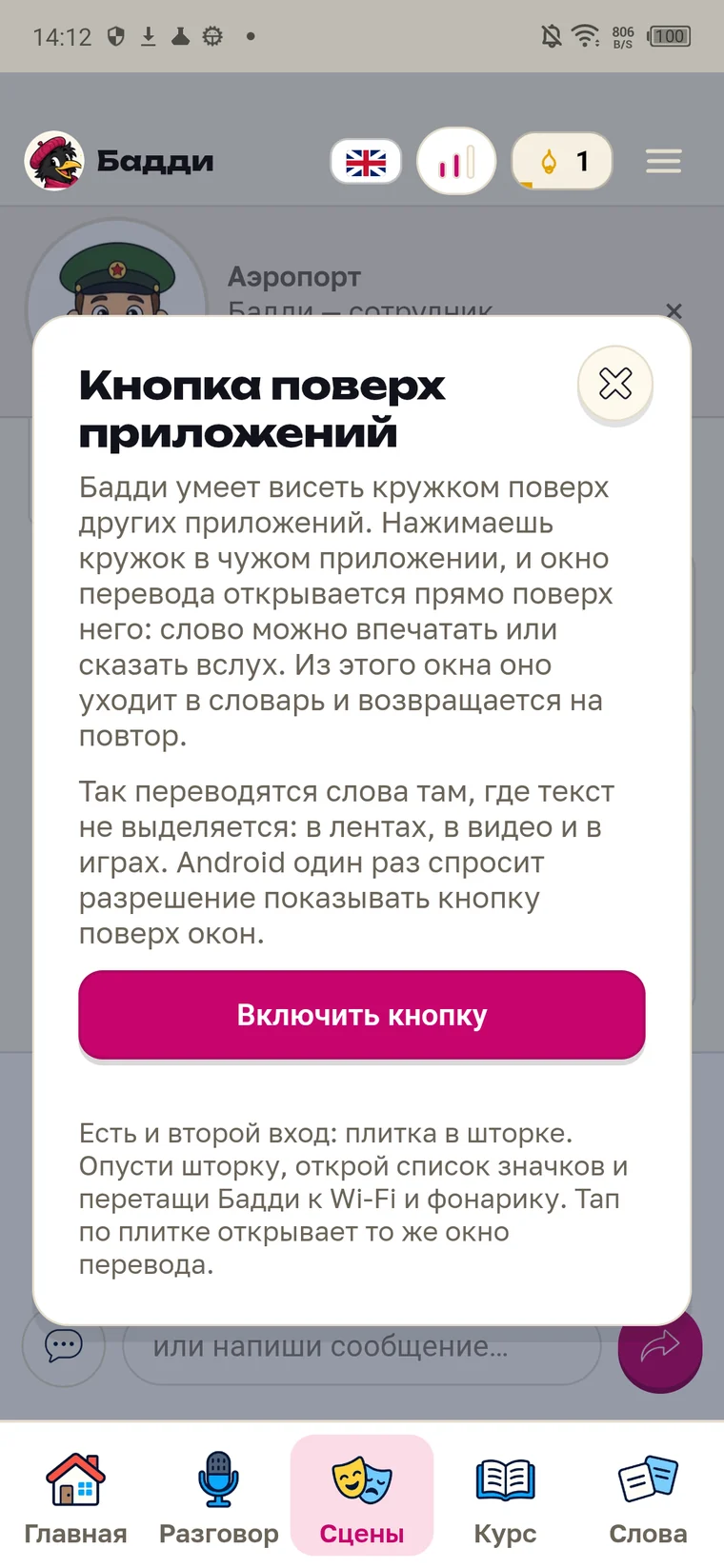
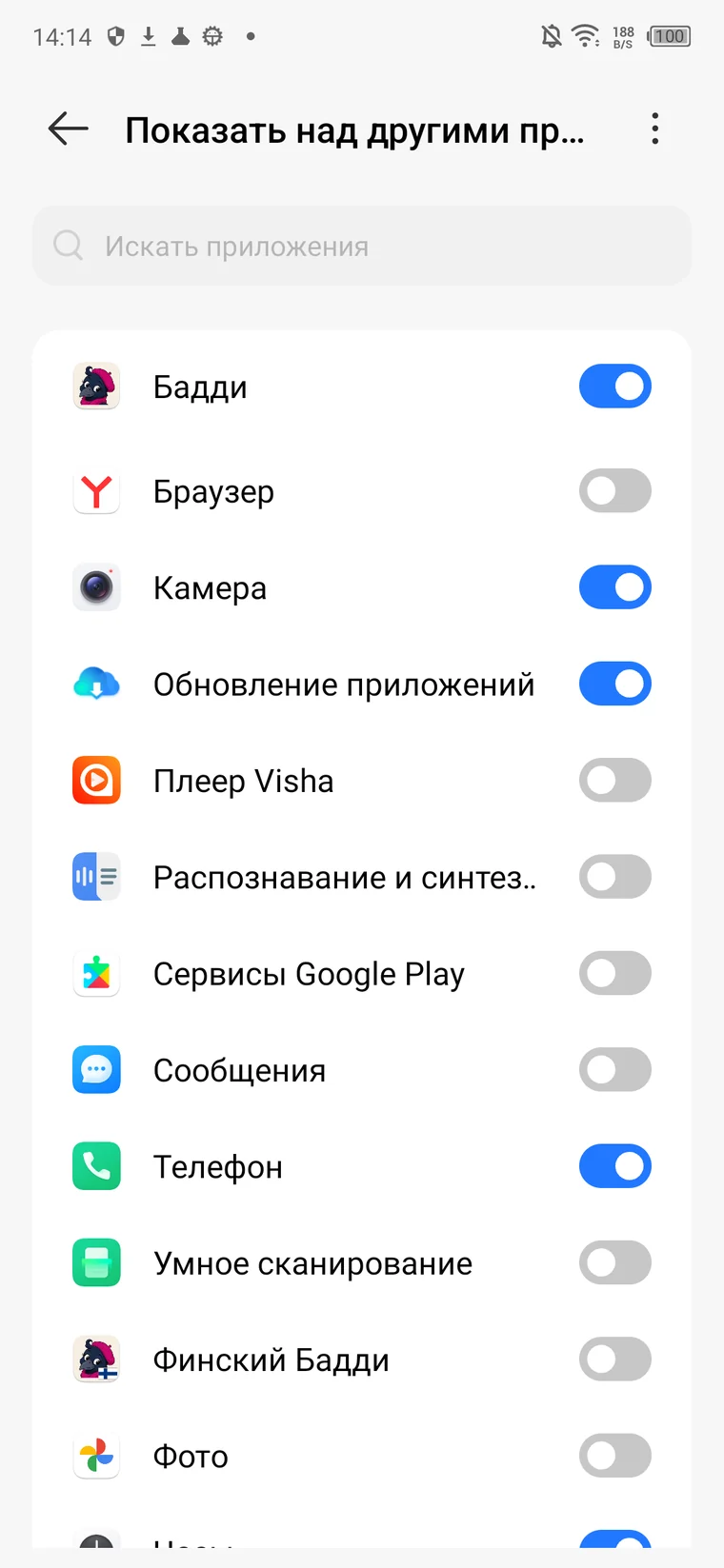
It's enabled in the app menu, under “Button over apps”. Android will ask for permission to display it over other windows once. Then the button will float on the edge of the screen and can be moved with your finger wherever it's convenient. Tapping it opens the translation window: you can type the word or say it aloud.
Quick Settings Tile
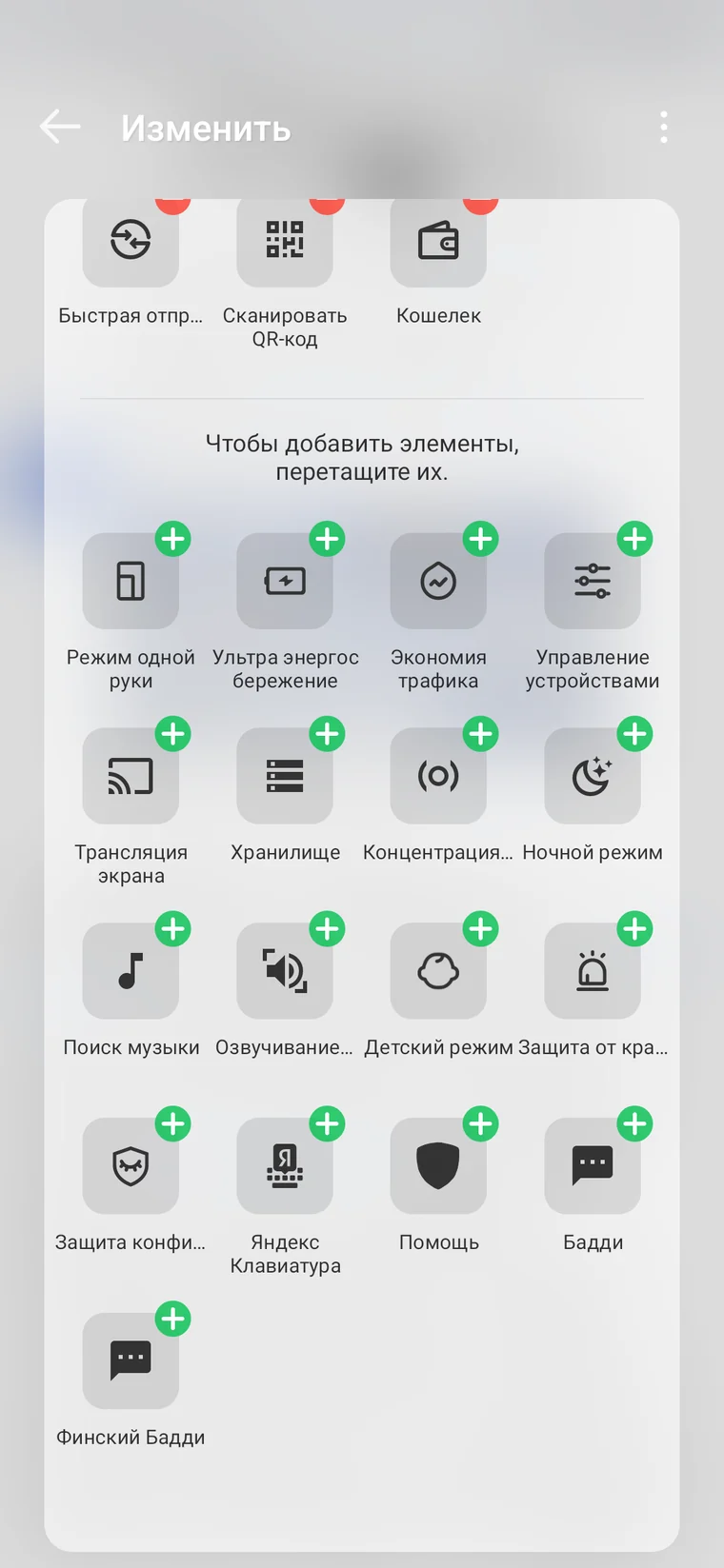
Pull down the notification shade, open the list of icons, and drag Parleo next to Wi-Fi and the flashlight. Then translation opens with one tap from the same place where you mute your sound.
Word in dictionary
From both windows, the word goes into the same dictionary as words highlighted from the screen, and returns for review at the same intervals.
What happens to a word after translation
A regular translator shows the meaning and forgets it. With Parleo, a card starts from the translation.
The card from all sides
A real photo, a live example in English, and a situation in Russian are selected for the word: where this phrase is appropriate. The card can be edited manually. Pronunciation can be listened to with a button.
Spaced repetition
A word you recalled easily will return in a few days. But one you stumbled on will come back tomorrow.
The word goes into conversation
Parleo slips the same words into conversation and games, so you say them aloud, not just recognize them on the screen.
Two-way translation
Parleo translates Russian phrases into English, and English phrases into Russian. It determines the direction by the text itself.
- 1An English word from the translation is sent to the dictionary with one tap.
- 2In a conversation, tap any word in Parleo's remark — you'll see the meaning without interrupting the dialogue.
- 3The tile in the phone's quick settings opens word input in two taps.
How is this different from a translator
| Regular translator | Parleo | |
|---|---|---|
| After translation | window closed, word went into search history | word added to dictionary as a card |
| What is visible about the word | meaning | translation, example, situation, photo, audio |
| In a week | you look up this word again | it came up for review on its own |
| Result | you understood the phrase | you said this word aloud in conversation |
| Long documents | translates entirely | translates a word or phrase |
Where translation works
In the browser, translation works instantly and for free: open Parleo, type a word or phrase into the field, and get the translation. Text selection in other apps, the floating button, and the tile in quick settings live in the Android app.
Frequently Asked Questions
Is a VPN needed
No. The server is located in Russia and accesses the models itself.
Does translation work on iPhone
Browser translation — yes, along with the dictionary and repetitions. Text selection in other apps and the floating button are only available on Android: the system allows it there.
How much does translation cost
Nothing. Translation and dictionary are free with no quantity limits. A subscription is needed for voice conversations.
Does Parleo translate entire texts
No, it translates a word or phrase — what you highlighted. For long documents, a regular translator is needed.
Where do my words go
Into your dictionary on the server, linked to the device. They are visible in the app, can be edited and deleted.